A few years ago, "streaming the service" meant a single camera on a tripod in the back corner, pointed at the pulpit, feeding a laptop running Facebook Live. Nobody complained because expectations were low. That's changed. Online congregations now expect something closer to what they see on television — multiple angles, smooth cuts, graphics, clean audio — and honestly, they deserve it. For a lot of people, the stream isn't a backup option; it's how they attend church every week.
Building a real multi-camera worship broadcast system isn't as complicated or expensive as people assume, but it does require thinking about the room differently than you would for in-person AV alone.
Camera Placement: Cover the Story, Not Just the Stage
The single biggest quality jump most churches can make is going from one camera to three. A typical, effective layout looks like this:
- A wide shot from the back of the room, capturing the full platform and giving viewers spatial context
- A tight shot on the primary speaker, framed properly (not a zoomed-in crop of the wide camera — a dedicated lens gets you real depth and better focus)
- A side or three-quarter angle that adds visual variety during longer segments and worship sets, so the program doesn't feel static
- Optionally, a confidence or "conversation" angle if there's a panel discussion or interview format on some Sundays
Cameras don't need to be broadcast-cinema cameras. PTZ (pan-tilt-zoom) cameras, remotely controlled from a small production booth or even an iPad, have gotten remarkably good and are the standard choice for houses of worship now — no camera operator standing in the aisle, no distraction for in-person attendees.
Switching: Someone Has to Call the Shots
Cameras alone don't make a broadcast — someone needs to decide when to cut between them, and that's where a video switcher comes in. Modern switchers built for this exact use case let one volunteer operator preview multiple camera feeds and cut cleanly between them, add lower-third graphics (sermon titles, scripture references, giving prompts), and route the final program feed out to a streaming encoder simultaneously.
This is a role, not just a piece of gear — someone on the team needs to learn basic shot composition and timing, essentially becoming a lightweight director. It's a skill that develops fast with a few weeks of practice, and it's the difference between a stream that feels professional and one that feels like a hobbyist livestream.
The stream isn't a recording of the service — it's its own production, with its own pacing.
Lighting for the Camera Is Different From Lighting for the Room
This is the part churches most often get wrong when they add streaming after the fact: lighting designed for the human eye in the room doesn't automatically look good on camera. Cameras need more consistent, more even light on faces than the human eye requires — dim or high-contrast lighting that reads as "moody and warm" in person often reads as underexposed, grainy, or flat on a stream. If you're planning both a lighting upgrade and a streaming system, design them together. That's a big part of why I wrote a separate piece on automated worship lighting — get the color temperature and consistency right and both your in-room feel and your broadcast image improve together.
Audio for Broadcast Is Its Own Mix
The audio your in-room congregation hears and the audio your stream sends out should not be the same feed. A dedicated broadcast mix — pulled from the same board but balanced separately, usually with tighter dynamic range and different reverb treatment — sounds dramatically better online than simply routing the house mix straight to the encoder. This is a small addition at the console level but makes an enormous difference in how professional the stream feels.
Platform Choices and Integration
Most churches stream to a combination of destinations — YouTube, Facebook, and often a dedicated church app or website player — using an encoder that can multicast to all of them from one production feed. The technical setup here is fairly standardized at this point; the real decision is workflow: who manages the stream chat, who handles platform outages, and how the whole rig integrates with the rest of your building's AV control.
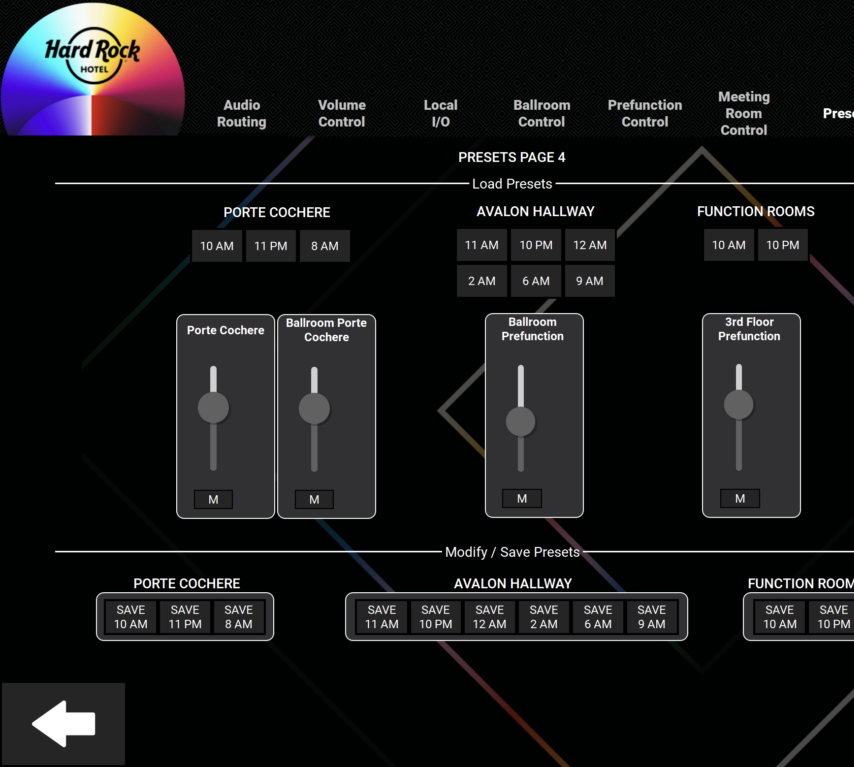
That integration question is worth taking seriously. A broadcast system that lives on its own separate control scheme, disconnected from your sound and lighting control, means more training, more failure points, and more things a volunteer has to remember on a Sunday morning. We build streaming into the same unified control approach as the rest of the building wherever possible — I go deeper on why that matters in this post on unified AV control for houses of worship.
If your church is ready to move beyond a single tripod camera and build a broadcast setup your online congregation deserves, we'd love to help design it. Reach out through our contact page, or explore our broader AV integration services.